Start a focus session from the tray or menu bar, from Settings, or by pulling Pendling down and letting go.
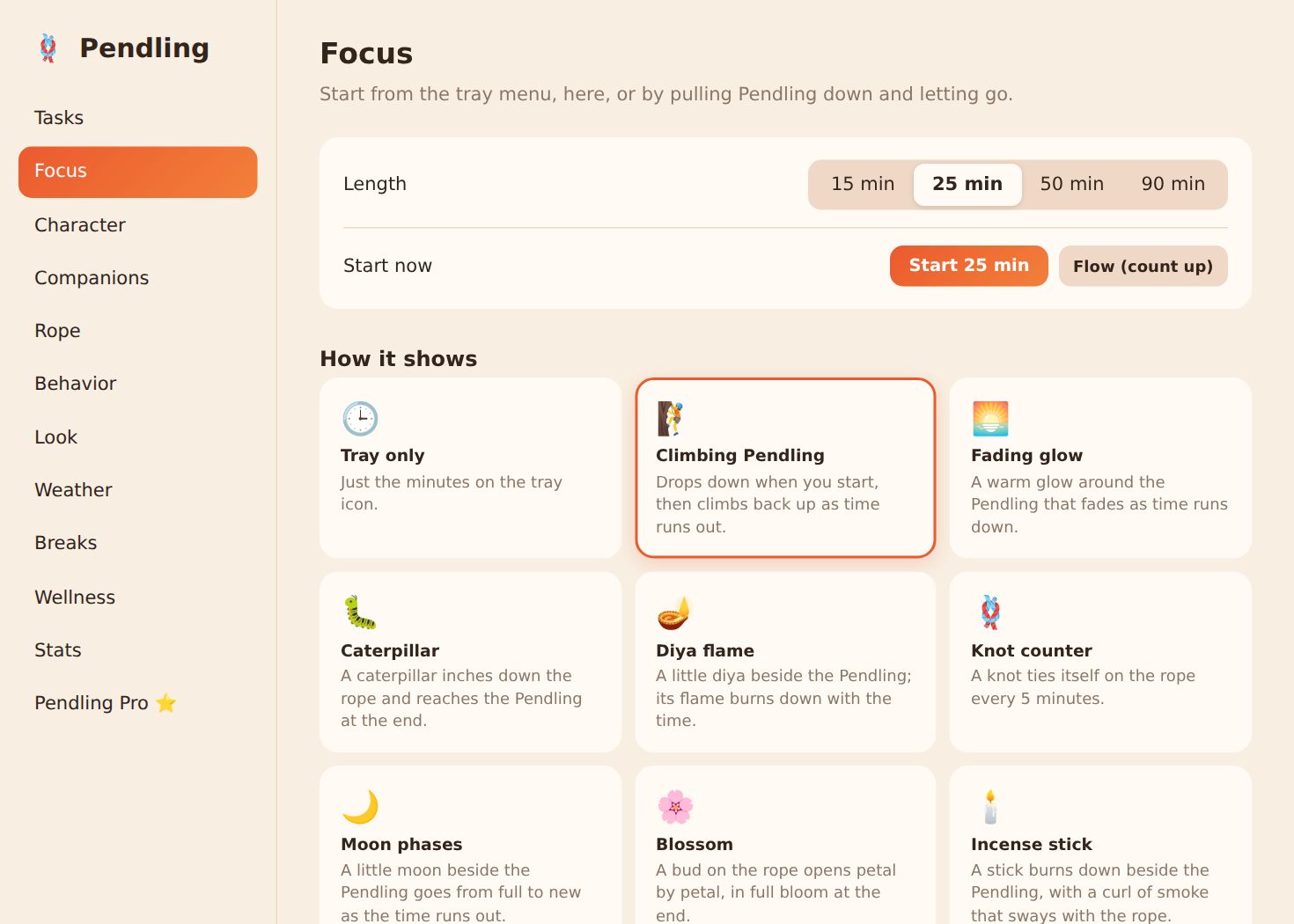
Length
15, 25, 50 or 90 minutes, or Flow, which counts up until you stop.
How it shows
The time shows on the rope itself: Climbing Pendling drops down when you start and climbs back up as time runs out. Or a warm glow, a caterpillar inching down the rope, a diya flame burning down, a knot counter, moon phases, a blossom opening, or an incense stick. Or just the minutes in the tray icon.
Breaks
- Offer a break afterwards: a timed break on the Pendling, a stretch, or 5 more minutes.
- Pomodoro-style: a long break every few sessions.
- Breaks wait while I focus: break reminders pause during a session.
Options
Seconds in the tray (24:59 rather than 25m), the time when you point at the Pendling, beads for finished sessions (in gold), and one ring to start, two when it's done.
Screenshots are from Windows and Linux. The Mac app has the same settings in its own Settings window.