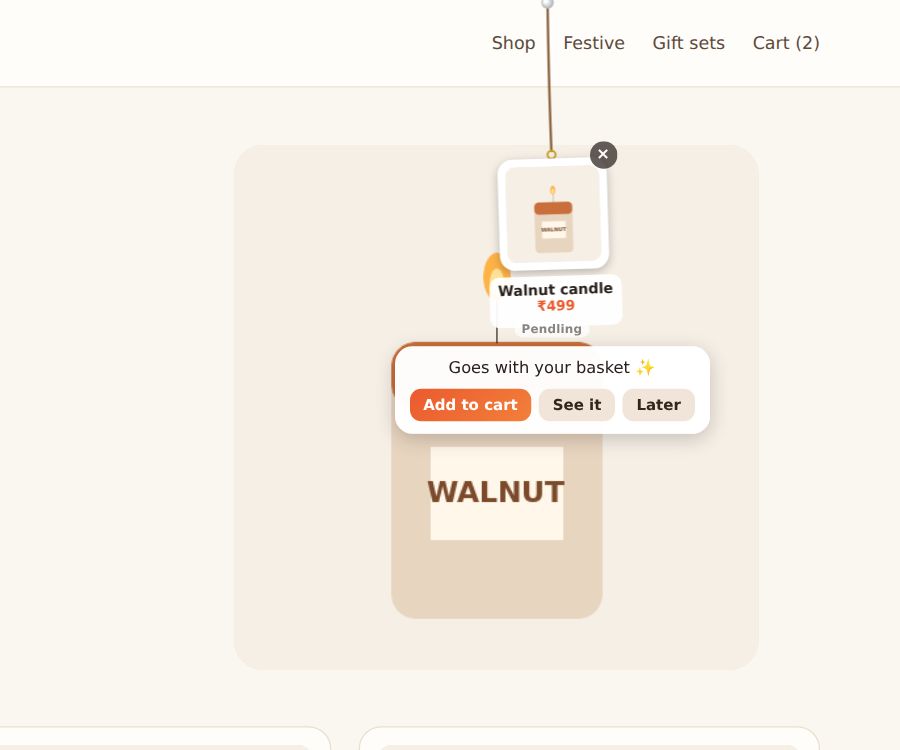
A charm can be a product: a picture, a name and a price. On Shopify, it can have an Add to cart button, so visitors add it without leaving the page they're on.
Set it up
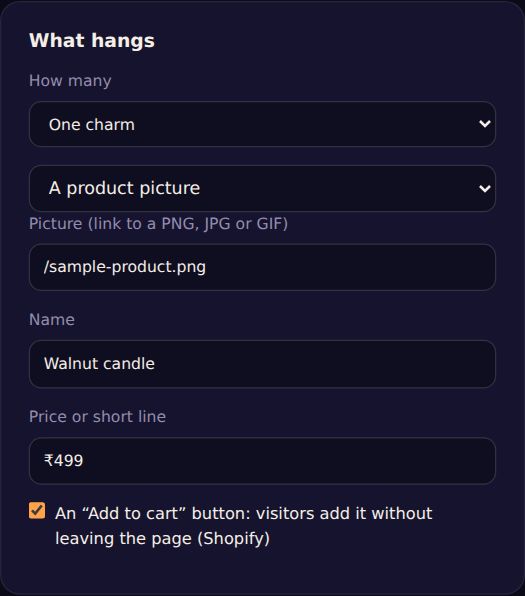
- Under What hangs, change A charm to A product picture.
- Give it a Picture (a link to a PNG, JPG or GIF), a Name and a Price or short line. Inside the Shopify app, pick the product from your store instead.
- Tick An “Add to cart” button (Shopify).
- Under When and where, show it on product and cart pages, so it suggests something that goes with what they're looking at.
After adding, the bubble says Added to your cart ✓ with View cart, and your theme's cart updates. If it's sold out, it says so.
Tip: for several products at once, choose the Product line-up layout (guide).