Under What hangs → How many, choose a layout. Every layout is one campaign with one close button, and Numbers shows each charm's clicks, coupons and leads.
- One charm: a charm on a rope, with its message, coupon, form or link. Every plan.
- A row: two to five charms side by side, each with its own message, link and code.
- A mobile: charms on one bar that sways, tips toward a charm that's pulled, and slowly turns.
- A garland: a festive string across the top of the page: marigolds, fairy lights or a gold chain.
- Product line-up: two to four product cards with picture, name and price.
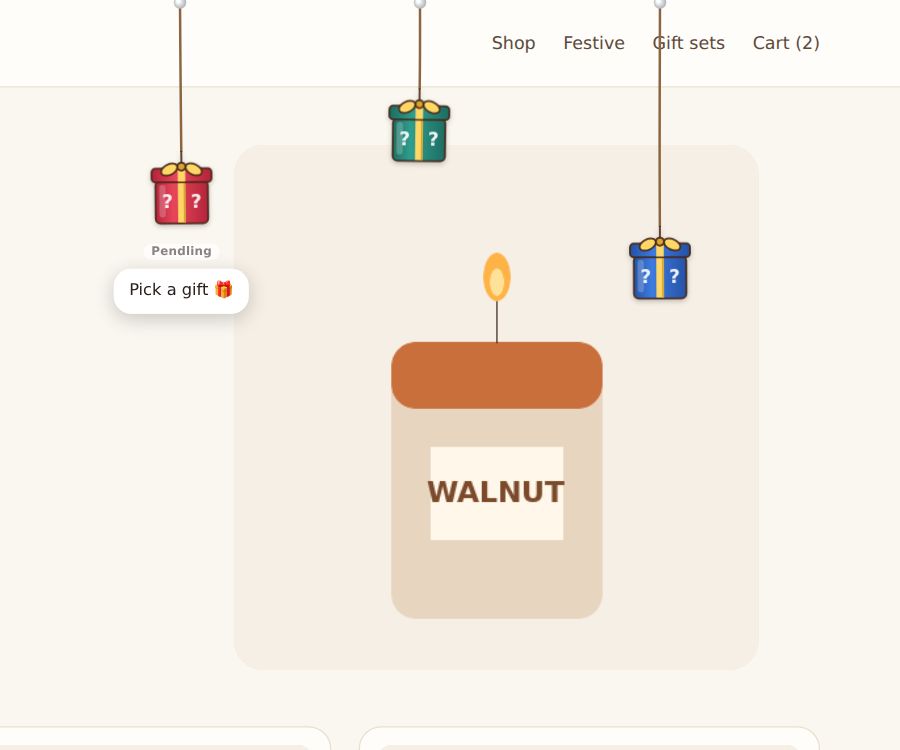
- Pick a gift: boxes to pull; the visitor opens one and wins a prize (guide).
Layouts with more than one charm are on Starter (up to 2 charms) and Pro (up to 5).
Adding charms
For a row, mobile, garland or line-up, More charms lists the charms after the first (the campaign's own settings are charm 1). Each has its own charm, message, link and code.