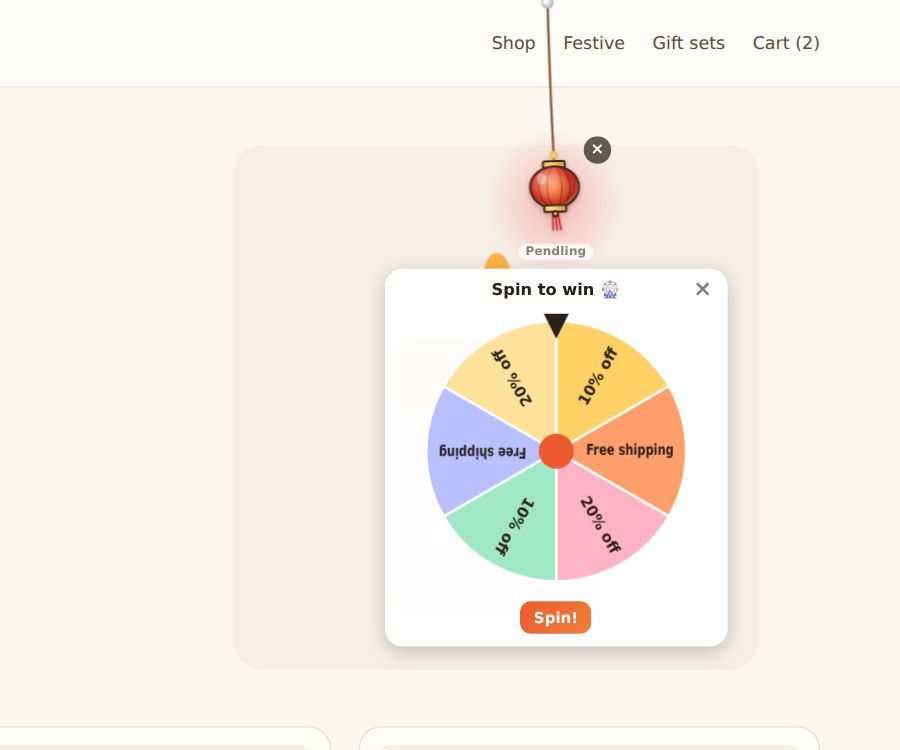
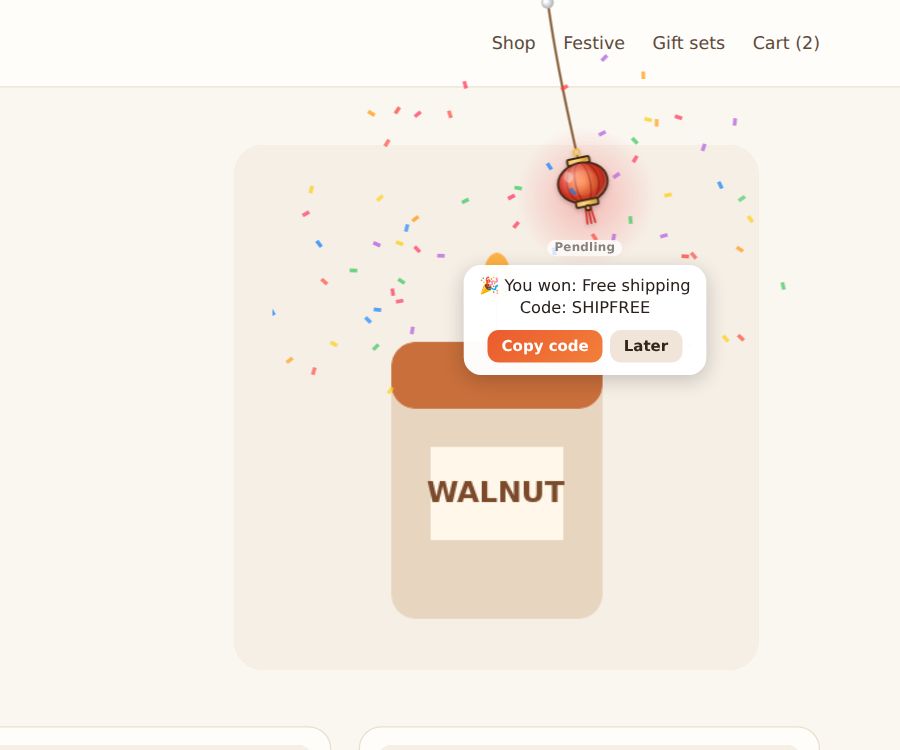
Instead of a plain coupon, the charm can hold a game. Visitors pull the charm, then spin a prize wheel or scratch a silver card to see what they won. Or hang a few gift boxes and let them pick one.
Set it up
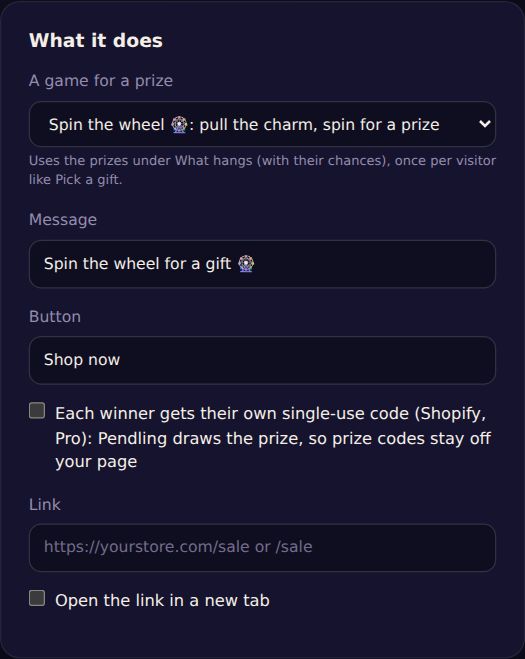
- Start from the Spin the wheel or Scratch card template, or open a campaign.
- Under What it does, choose A game for a prize: Spin the wheel or Scratch card.
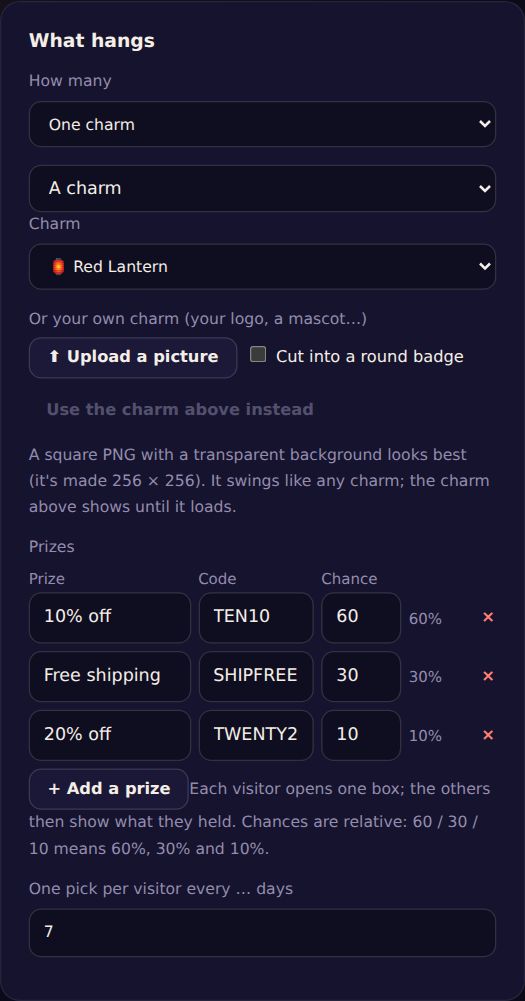
- Under What hangs, list the Prizes: a name ("10% off"), its code, and its chance. Chances are relative: 60, 30 and 10 means 60%, 30% and 10%.
- Set One pick per visitor every … days.
- Save, and try it on your site.
Scratch cards
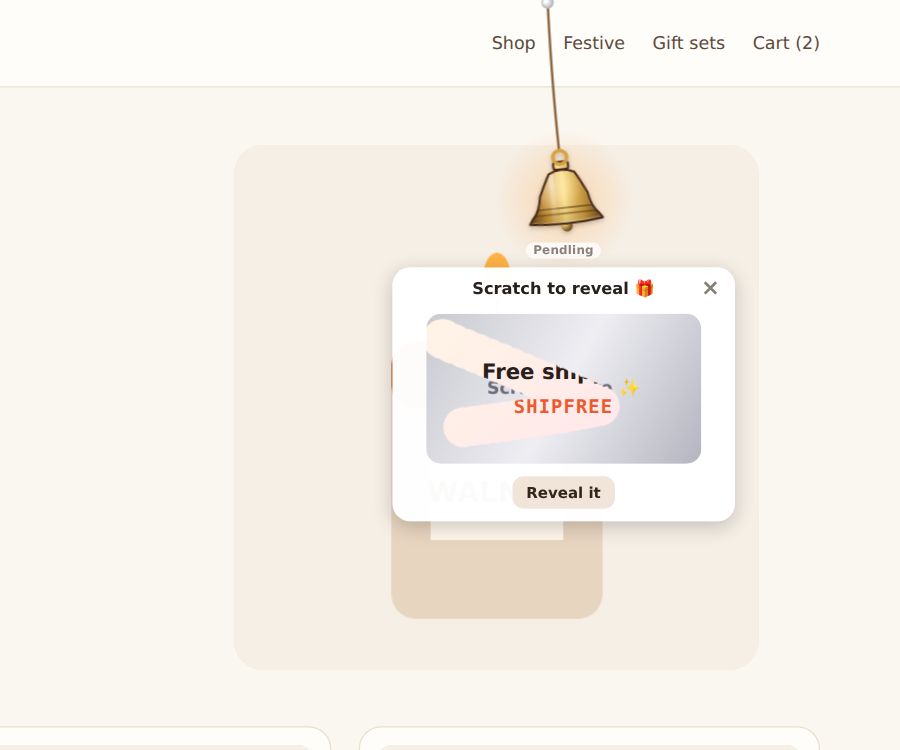
The prize is under a silver card. Visitors scratch it with a finger or the mouse; once enough is gone, the prize and code appear. There's a Reveal it button for anyone who'd rather not scratch.
Pick a gift
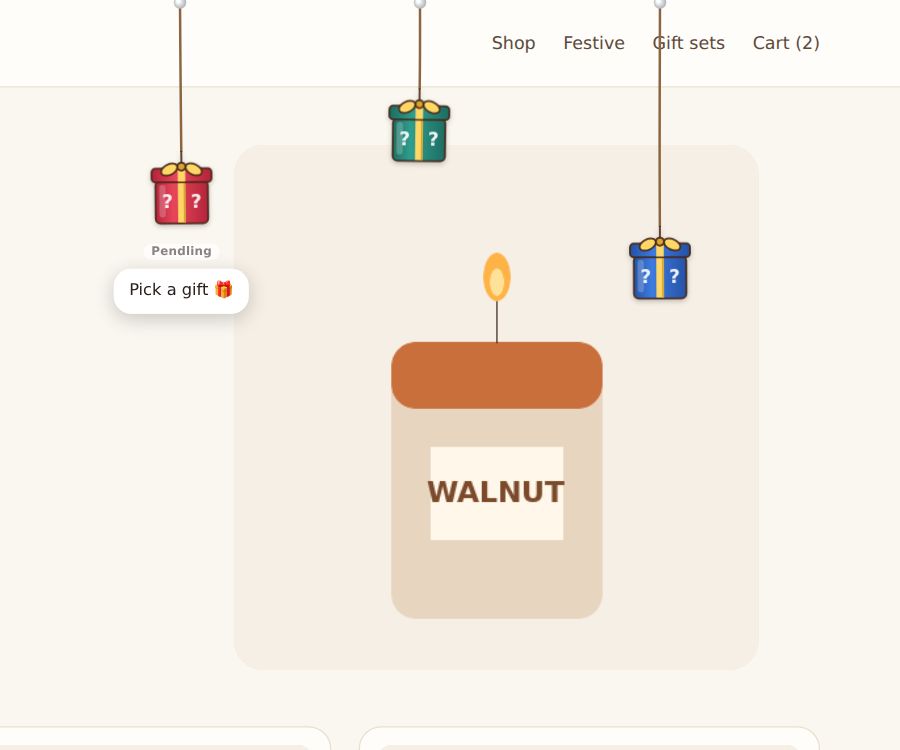
Set How many to Pick a gift to hang 2 to 5 gift boxes. Visitors open one and win a prize drawn by the same chances. (Starter and Pro.)
How the prize is chosen
The prize is drawn before the game starts, by your chances; the wheel then slows to a stop on it. A visitor who comes back sees the prize they already won, with its code, rather than playing again.
On Shopify with Pro, tick Each winner gets their own single-use code: Pendling draws the prize on its server and creates a code for that visitor only (for example TEN10-K7QX2). Prize codes never appear in your page, so they can't be read from it or shared.
Accessibility: visitors who ask their device for reduced motion see the wheel stop at once.