Pendling notices when a visitor is about to leave. On a computer, that's the mouse heading for the tabs or the address bar. On a phone, where there's no mouse, it's a quick scroll back up the page, the way people head for the address bar.
Drop in only as they leave
- Open the campaign (or start from the Exit-intent discount template), and go to When and where.
- Set Drops in to When the visitor is leaving (on phones: a quick scroll back up).
- Save. The charm stays out of the way until the moment someone is about to go.
Or have it wave
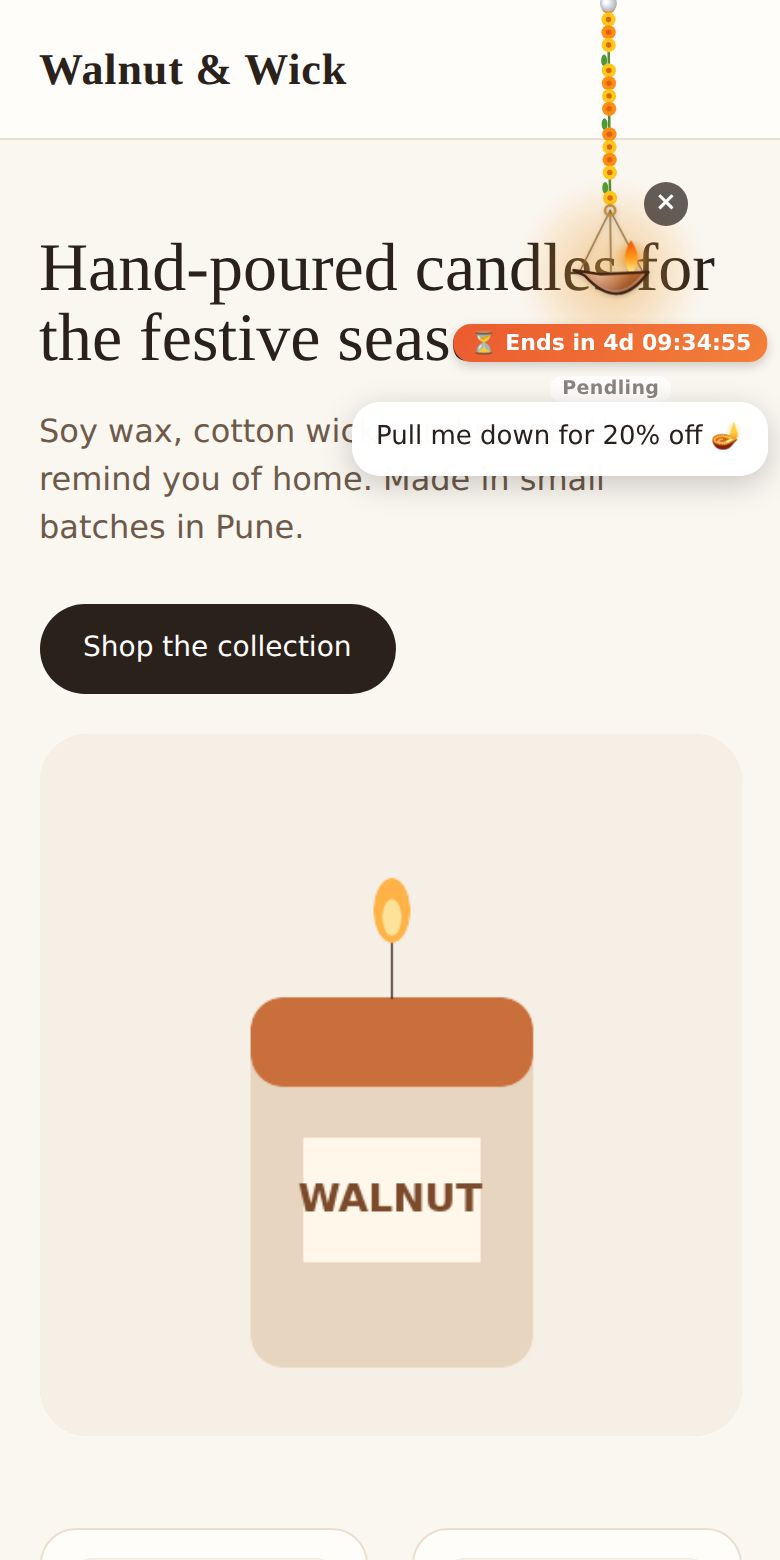
If the charm is already hanging, it can wave and say one more thing instead. Under Extras, fill in When a visitor is about to leave, it waves and says (for example "Wait! Your code is still here 👋").
Good to know: exit intent happens at most once per page, so it never nags. Pair it with Show it at most … times to keep it to once a day, or once ever.