One campaign can speak several languages. Visitors whose browser prefers one of them see its words; everyone else sees the campaign's own.
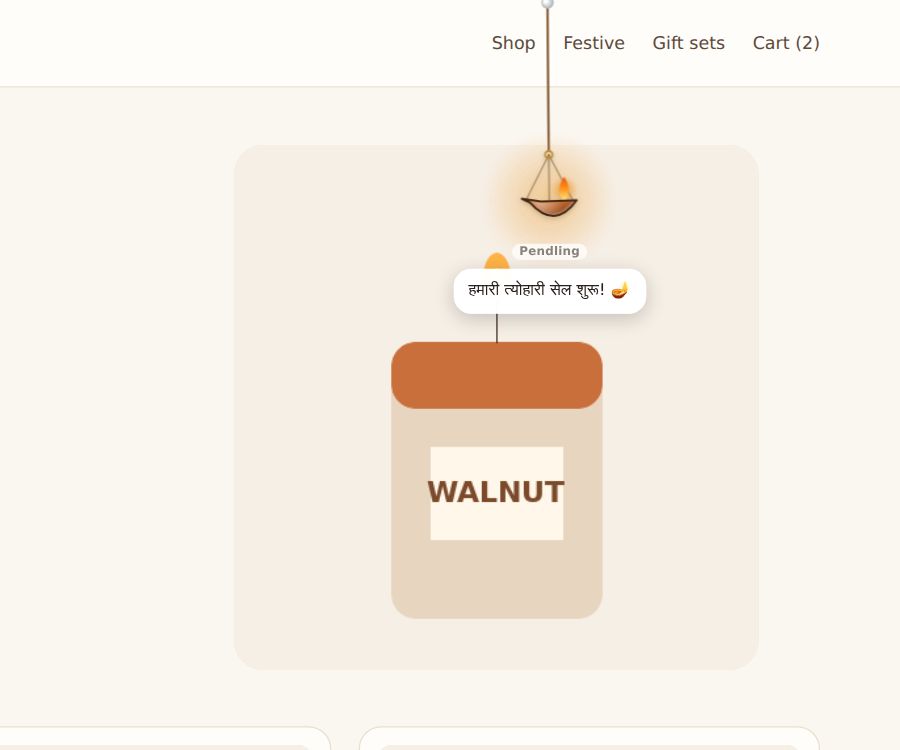
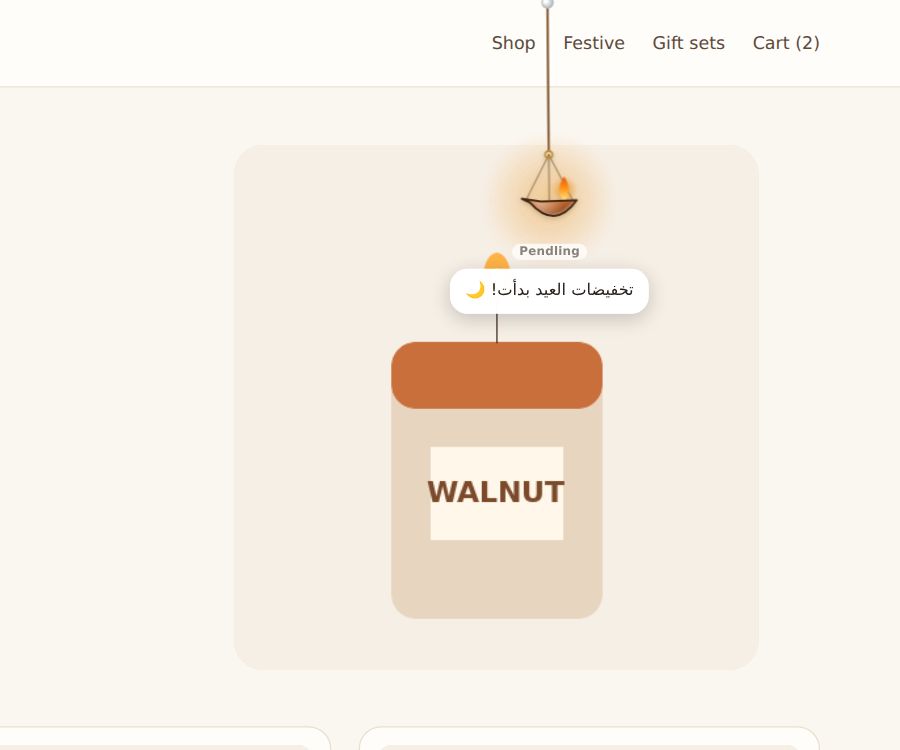
Add a language
- Open the campaign, and go to Languages.
- Choose + Add a language… (up to 12).
- Write its words. Each box shows the campaign's own words as a hint, and blank boxes use them.
- Save.
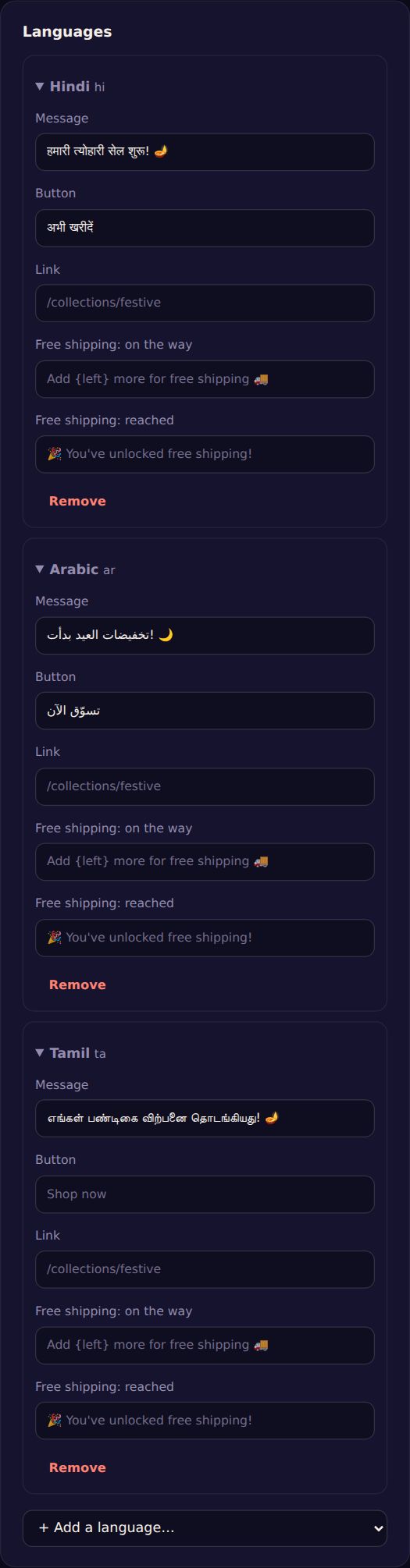
Translated: the message, the button, the link, the leaving message, the lead form's heading and small print, the poll's question, and the free-shipping messages. Poll answers and prizes stay as you wrote them. Arabic, Hebrew, Persian and Urdu are shown right to left.
Try it
Change your browser's preferred language (Chrome: Settings → Languages; Firefox: Settings → Language) and reload your site.
Only for some languages
To show a campaign only to people who read a language, use Only for these browser languages under Who sees it. The two work together: a Hindi-only campaign can have its words in Hindi.
A/B tests: a version that changes the words keeps its own words in every language, so the test stays fair.