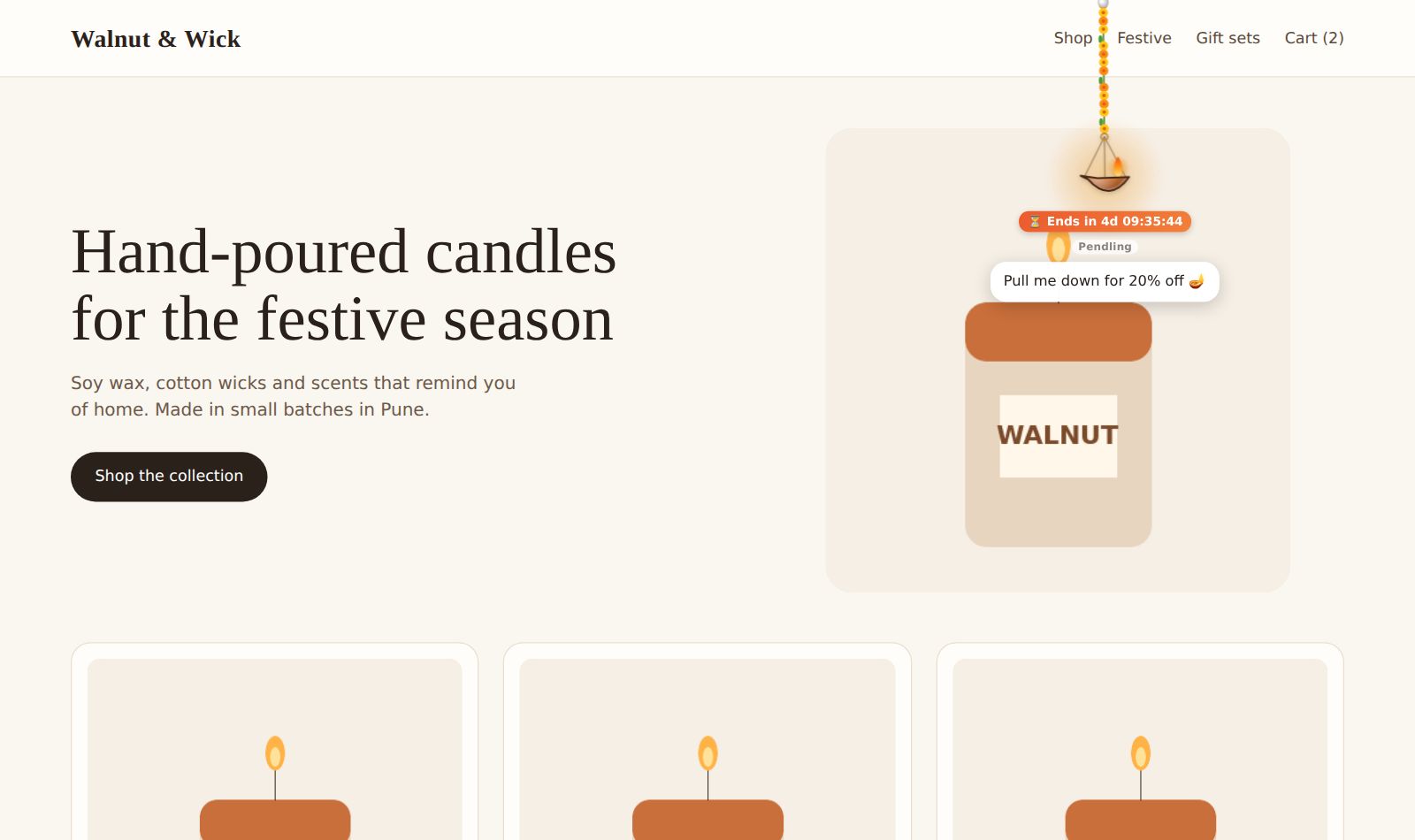
Pendling hangs a charm on a physics rope over your website. Visitors can swing it, pull it and tap it, and it can hand out a coupon, collect an email, run a poll or a spin-the-wheel, or simply say hello. This guide takes you from nothing to a live charm.
1. Sign in
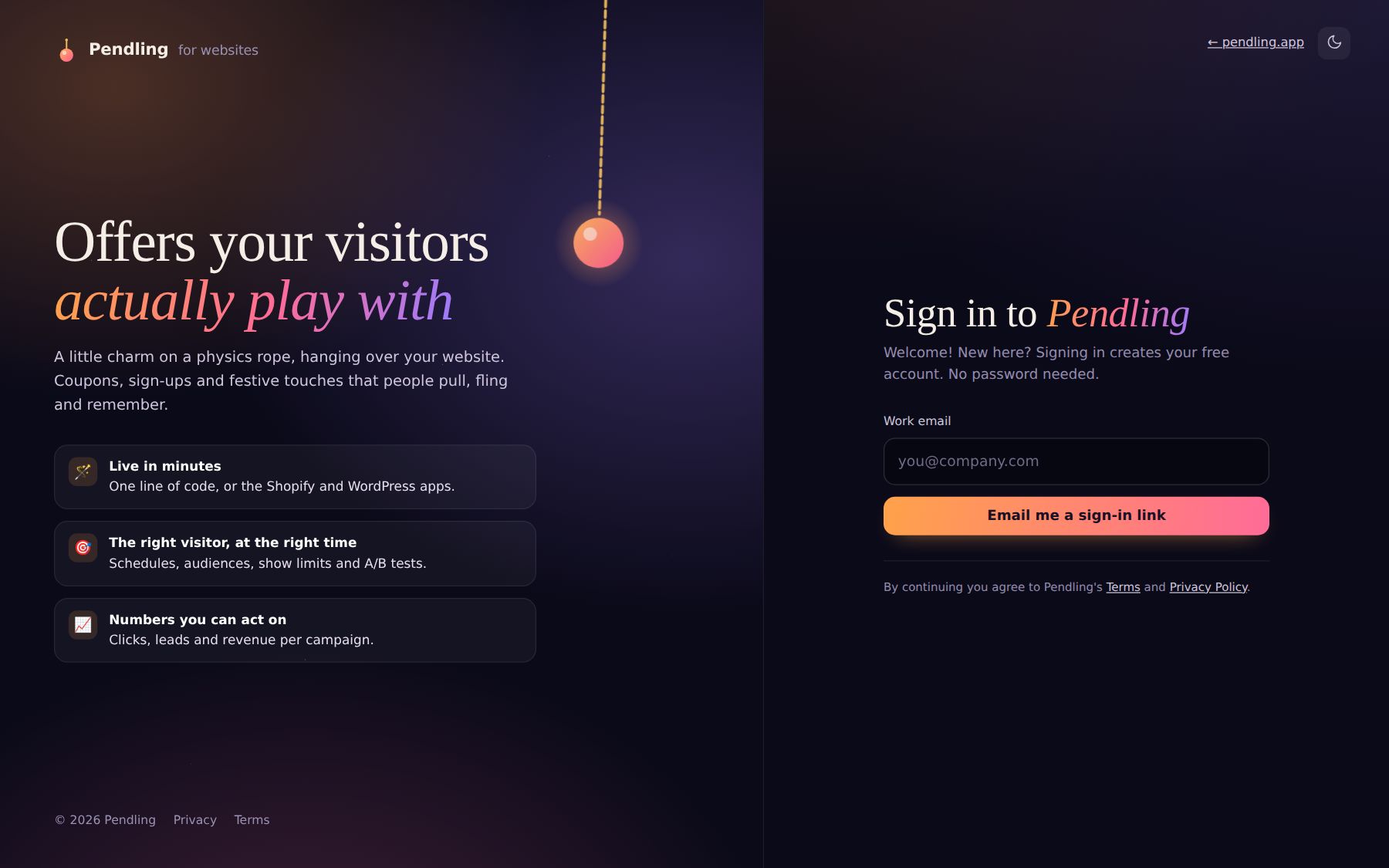
Go to app.pendling.app and sign in with Google, or type your email and press Email me a sign-in link. There's no password. Signing in the first time creates your free account.
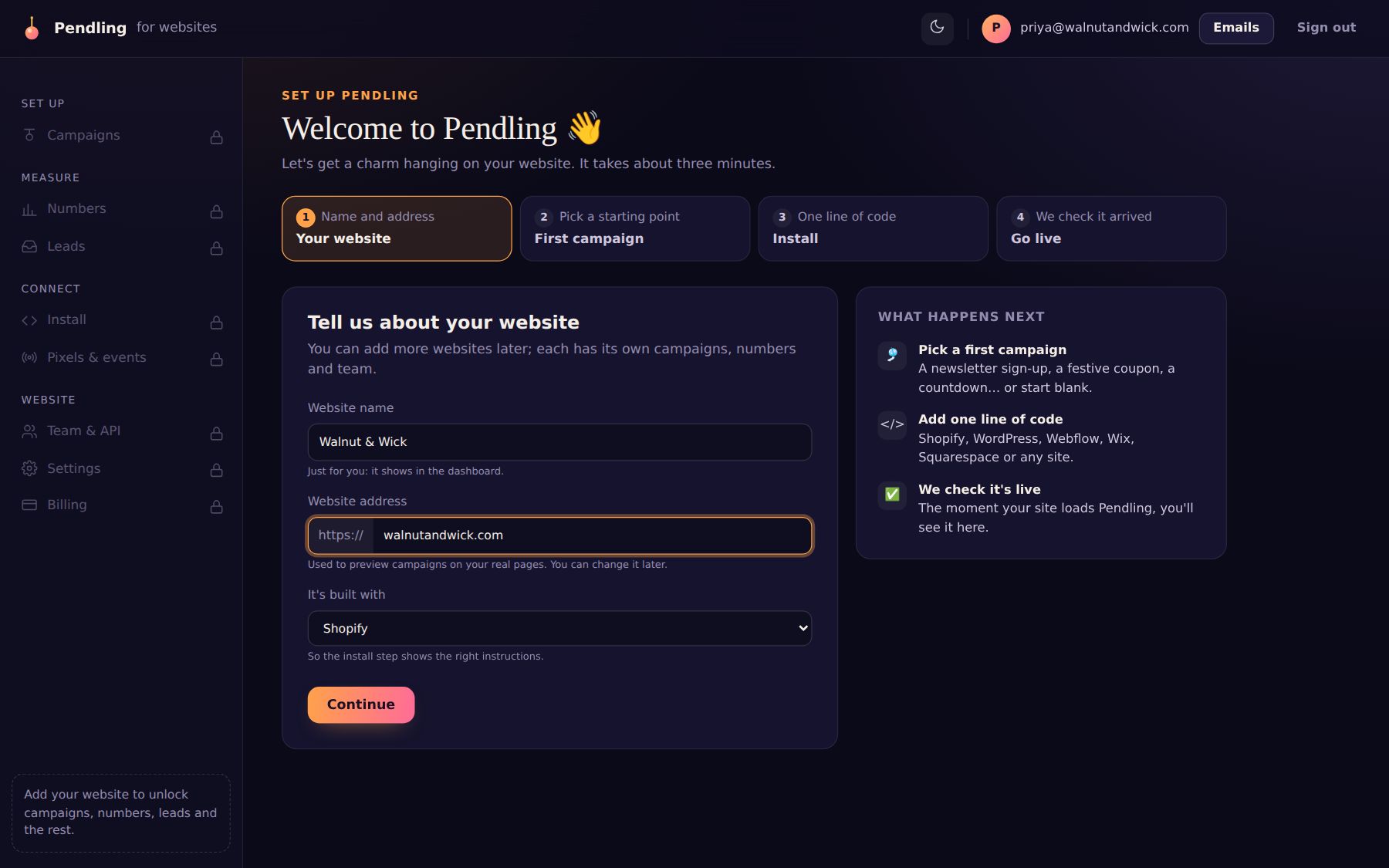
2. Tell us about your website
Give your site a name and its address, and say what it's built with (Shopify, WordPress, Webflow, Wix, Squarespace or something else). That choice only changes the install instructions you see later.
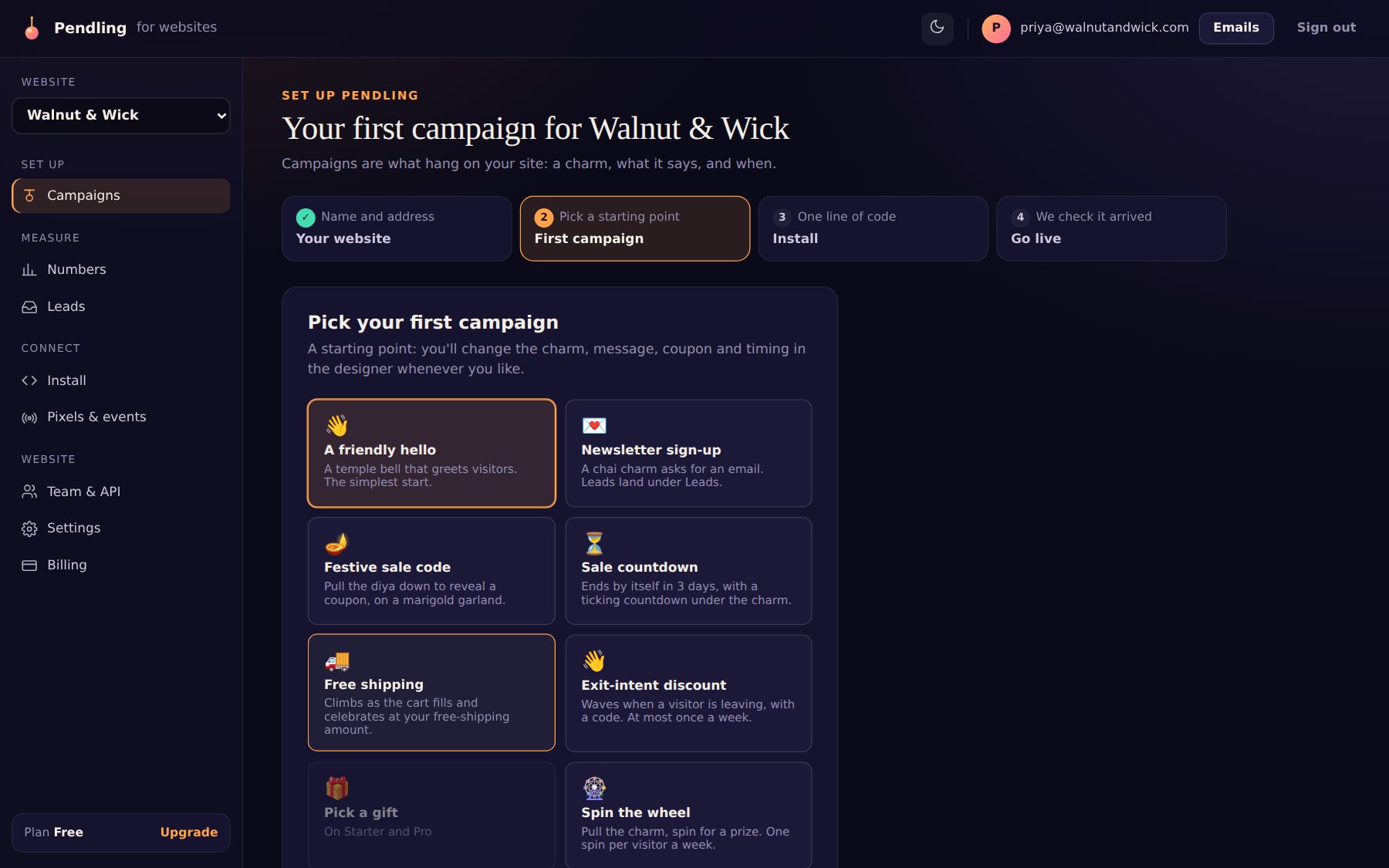
3. Pick a first campaign
A campaign is one thing a charm does: a coupon, a sign-up form, a countdown, a game. Pick a template to start from; you can change everything later in the designer.
4. Paste one line of code
Copy your line and paste it into your site, once. Everything after that is set in the dashboard, so you never touch the code again. The step shows where the line goes on your platform.
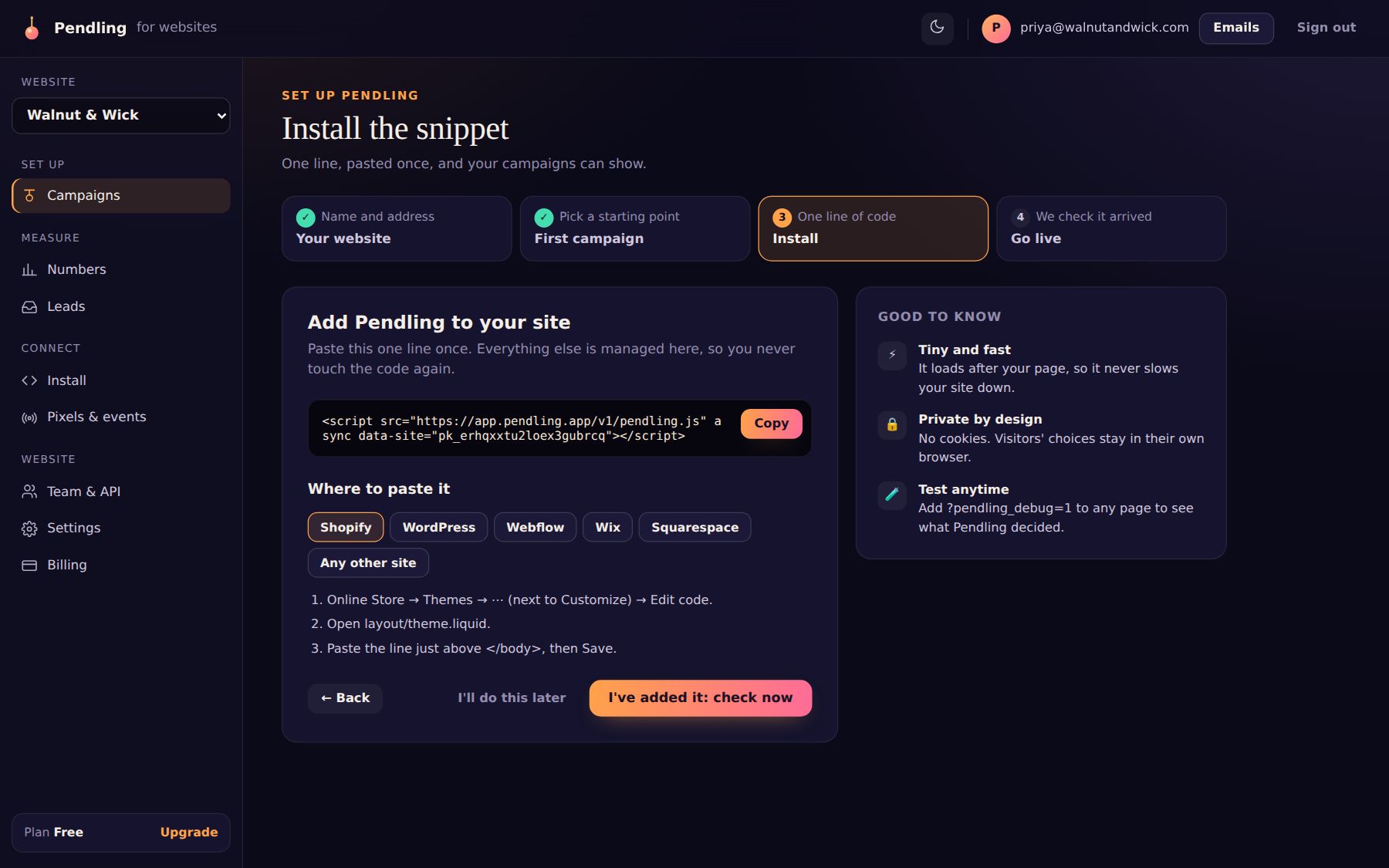
Platform guides: Shopify, WordPress and WooCommerce, and Webflow, Wix, Squarespace or any site.
5. Go live
Press I've added it: check now. Pendling waits for your site's first page view and tells you when it arrives. Then open your site: the charm drops in and swings.
What next?
- Take a tour of the designer to change the charm, its words and what it does.
- Choose who sees it and when: pages, devices, countries, dates, show limits.
- Watch the numbers come in.