Pendling hangs a charm from the top of your screen on a real simulated rope. It reminds you to take breaks, stretch, rest your eyes and drink water, runs focus sessions, and keeps your tasks, all on your computer, with no account.
Install it
Where it lives
On a Mac, in the menu bar; on Windows and Linux, in the tray. Click the icon for the menu: Take a Break Now, Stretch With Me, Rest My Eyes, Log a Glass of Water 💧, Start Focus, Tasks…, your charm, Hide, Launch at Login and Settings….
Play with it
- Drag the silver pin along the top of the screen to move Pendling; the rope swings after it. Double-click the pin to put it back.
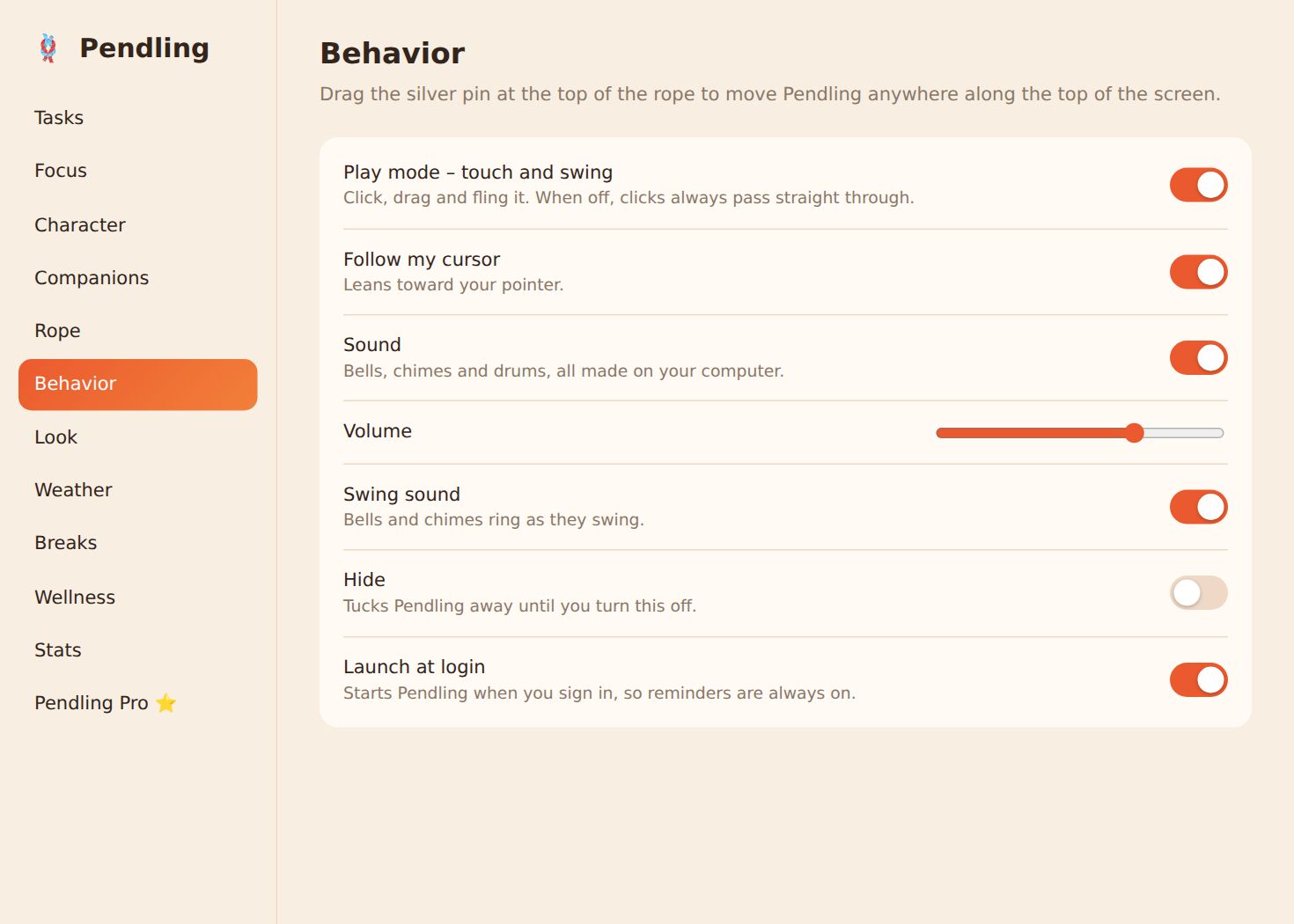
- Play mode: click, drag and fling the charm. When it's off, clicks always pass straight through to your apps.
- Pull it down and let go to start a focus session.
Pick your charm
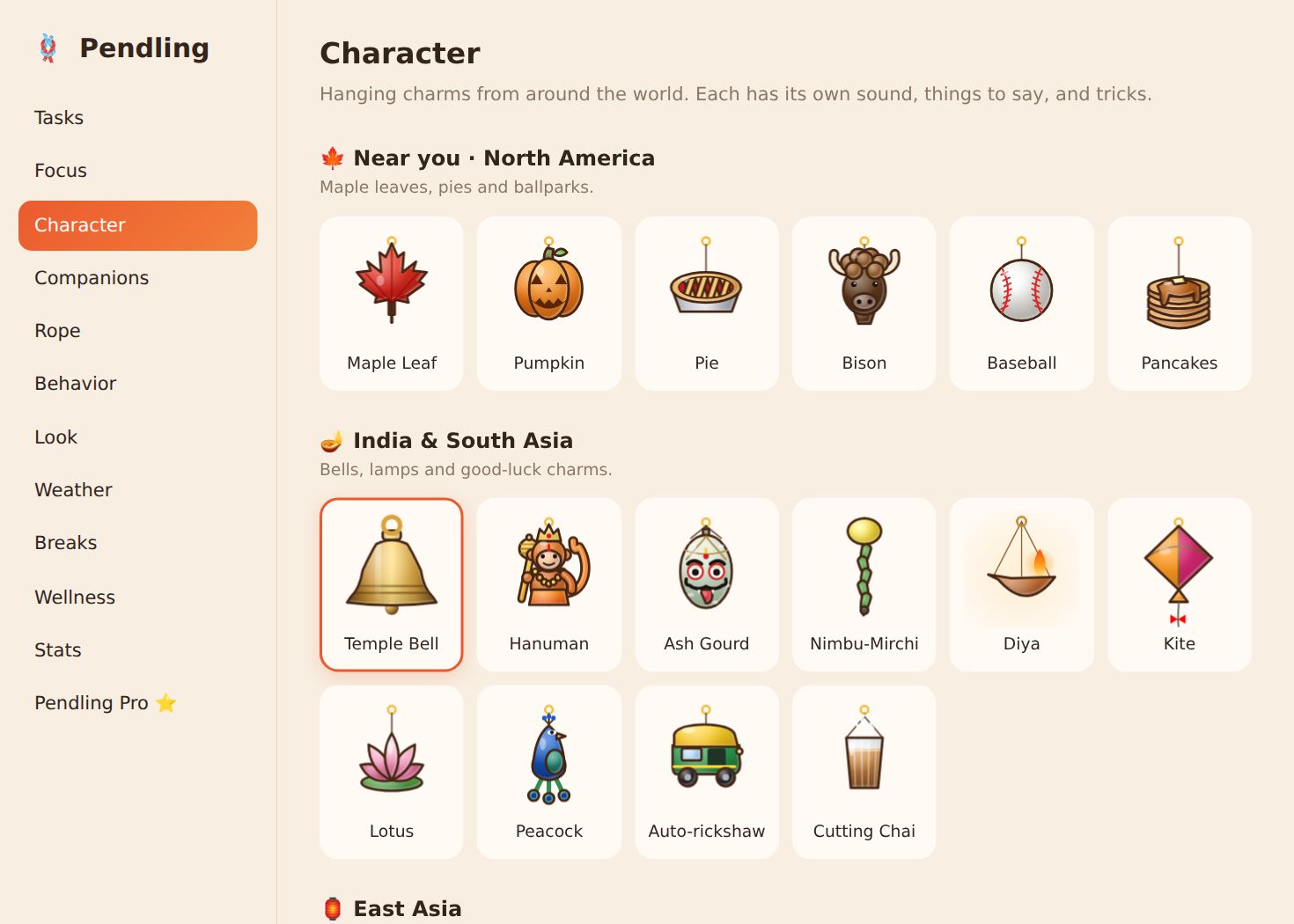
Settings → Character has charms from around the world. The ones from your region are free; tap a Pro charm to try it for 30 seconds.
Screenshots are from Windows and Linux. The Mac app has the same settings in its own Settings window.